

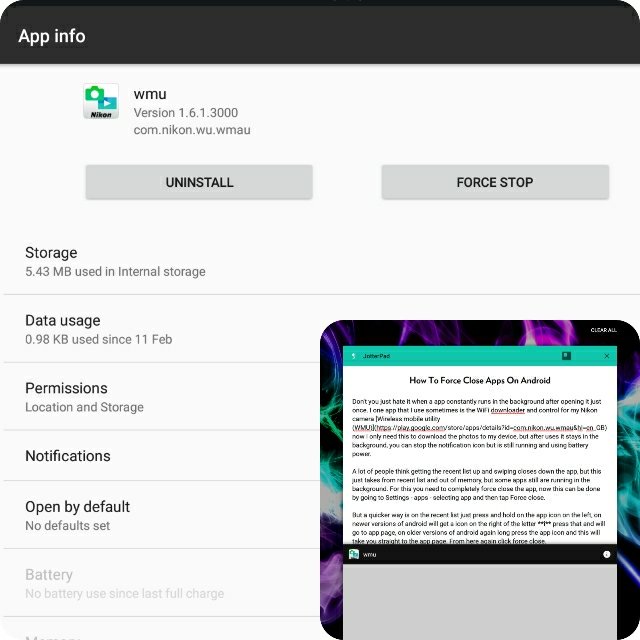

Don’t you just hate it when a app constantly runs in the background after opening it just once. I one app that I use sometimes is the WiFi downloader and control for my Nikon camera Wireless mobile utility (WMU) now I only need this to download the photos to my device, but after uses it stays in the background, you can stop the notification icon but is still running and using battery power.
A lot of people think getting the recent list up and swiping closes down the app, but this just takes from recent list and out of memory, but some apps still are running in the background. For this you need to completely force close the app, now this can be done by going to Settings – apps – selecting app and then tap Force close.
But a quicker way is on the recent list just press and hold on the app icon on the left, on newer versions of android will get a icon on the right of the letter i press that and will go to app page, on older versions of android again long press the app icon and this will take you straight to the app page. From here again click force close.
Note. Force closing an app will stop it running fully in the background, so this means no notifications all all will show. So only need to do this if an app is misbehaving or in my case don’t want it running after you have used it.